Blog
AMD Confronts Hidden Windows 11/10 Chipset and Graphics Driver Installation Failures
0.6k words By Robert
AMD faces significant challenges as widespread driver installation failures plague Windows 10 and 11 users, with 19% of 7,000 users reporting issues. The problems span multiple Ryzen CPU and Radeon GPU models, often manifesting as Error 1603 and gray screen reboots. As AMD acknowledges these challenges and provides workarounds, conflicts with Windows Update continue to complicate installations. Understanding the full scope of these issues reveals a complex technical puzzle.
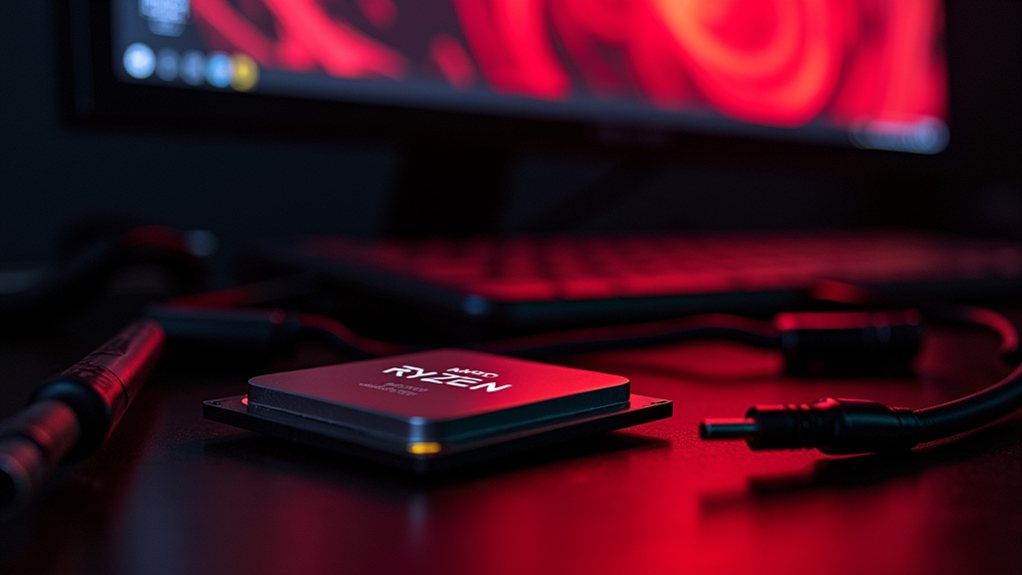
As AMD continues to dominate headlines with its powerful hardware offerings, a concerning wave of driver installation failures is plaguing users across Windows 10 and 11 systems. The issues primarily manifest through the infamous error 1603, a cryptic Windows Installer message that's about as helpful as a chocolate teapot, leaving users frustrated and systems potentially unstable across multiple Ryzen CPU and Radeon GPU models.
At the heart of these installation headaches lies an unexpected culprit: Windows Update. Like two DJs trying to spin different tracks at the same club, Windows Update's automatic driver installations frequently clash with AMD's own Adrenaline and Catalyst installers. This digital tug-of-war can result in corrupted drivers or incomplete installations, particularly when Windows decides to flex its update muscles during AMD's installation process. A recent poll involving 7,000 users revealed that 19% reported issues with the latest AMD drivers. Users frequently encounter gray screen reboots during driver installations, forcing them to start the process over.
The chipset driver situation has proven especially thorny, with AMD's Ryzen Chipset Driver 3.10.08.506 throwing custom install failures that demand manual intervention. Users across various platforms - from high-end WRX80 to popular B550 motherboards - report encountering unresponsive installers and cryptic error messages, creating a support nightmare that spans both Windows 10 and 11 environments.
Graphics driver installations haven't fared much better, with newer models like the 7900 XTX experiencing particularly stubborn installation issues. The installer's tendency to stall indefinitely during system compatibility checks has sent many users scrambling for community-developed solutions, including the now-familiar ritual of running Display Driver Uninstaller (DDU) before attempting fresh installations.
The ripple effects of these failed installations extend beyond mere inconvenience. Systems can experience everything from screen blackouts to peripheral compatibility issues, with some users reporting problems with docking stations and USB-C to HDMI adapters. These symptoms often trigger extensive hardware troubleshooting, only to reveal software-based root causes.
AMD has acknowledged these challenges and is actively working to address them through detailed release notes and targeted fixes. The company recommends users pause Windows updates and disable automatic driver updates before installation - a workaround that feels more like a band-aid than a permanent solution.
As the tech giant continues to push the boundaries of hardware innovation, these persistent driver installation issues serve as a reminder that even the most powerful hardware requires robust software support to deliver on its promise.
For now, the AMD community soldiers on, armed with workarounds and third-party tools, while hoping for a more permanent solution to emerge from the collaboration between AMD and Microsoft. It's a situation that highlights the complex interdependencies of modern computing systems, where even seemingly straightforward driver updates can become technological puzzles requiring careful navigation.
Final Thoughts
AMD's recent acknowledgment of driver installation issues on Windows 10 and 11 showcases their dedication to enhancing user experience. As they work to resolve these chipset and graphics driver failures, it's clear they value customer feedback. With the increasing adoption of Windows 11, ensuring stable driver deployment is vital. Home Computer Technician can assist users facing these frustrating setup problems by providing expert support and troubleshooting services. Don't let installation issues hold you back-click on our contact us page to get in touch and let us help you get your system running smoothly!