
Blog
Why You Should Have Experts Look into Your Computer’s BIOS’ Problems
0.6k words By Robert
The BIOS (basic input/output system) is a vital part of a computer. It is a pre-installed program used to start up the computer. When the BIOS is started up, it ensures all attachments are in its place and then loads the operating system to the RAM afterward.
It is a program in a computer’s microprocessor that ensures all parts of the computer function together so data flow within the OS is well-managed. It is also responsible for ensuring your printer communicates properly with your computer, checking if the right port is used. If you notice that your printer is not working, printer repair may involve the BIOS.

Some of the functions of the computer’s BIOS include:
1. Ensures that all compartments are working as well as other devices attached to the computer after the RAM and Processor have been checked.
2. Detects all the peripherals, including the mouse, keyboard, and printer, and then proceeds to check the boot options.
3. Checks for bootstraps on the device in the order your BIOS was configured.
4. Passes the reigns from the computer to the operating system by loading the OS’ essential parts into the RAM.
If you mess up with your BIOS, it will be corrupted and all the functions listed above will go crazy. Failure to boot is just one of the problems you will encounter. It can also lead to a corrupt driver or memory. The BIOS will display an error message after starting your computer, which is the last thing you would want to experience, especially when printing or working on something important.
This is why it is best to have someone at a computer repair store fix it if you notice that your BIOS is corrupted instead of trying to fix it yourself. One small mistake may lead to damaging the BIOS for good.
Here is a list of solutions to a corrupt BIOS and why an expert should take care of it.
1. Removing the motherboard battery
When a computer refuses to start up, the motherboard may emit various beeps. One of the solutions to a corrupted BIOS is by removing the motherboard battery, which will reset the settings to default.
But removing the motherboard battery can nullify your computer’s warranty if it is still in effect. This is why it is best to have a technician do it, preferably one from the shop where you bought your unit. Handling your motherboard will also require tools to keep static electricity from frying it.
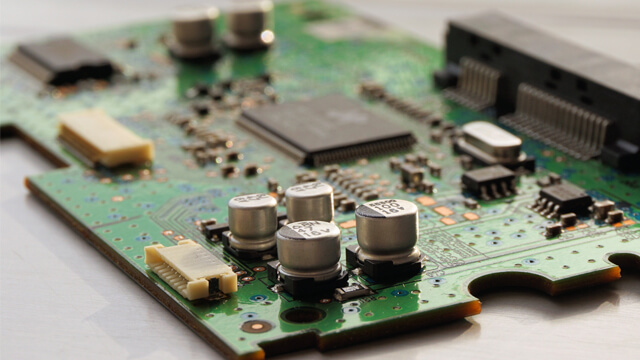
2. Removing the graphic card
Experts stated that removing the graphic card and connecting your monitor to an integrated graphics card can help fix a corrupted BIOS. Just like tampering with parts of your computer, however, incorrectly removing the graphic card can cause problems with your computer warranty.
3. Resetting the BIOS
Another solution to a corrupt BIOS is restoring it back to its default values. This will involve changing the jumper positions on the motherboard. In this process, the PC case will have to be opened, the jumper case looked into, and then placed in its original position to reset the BIOS. If not done correctly, it can cause damage the PC or its functions. This job should be left to the hands of experts.
4. Flashing the BIOS
Flashing your BIOS is similar to updating the software on the operating system. During the process, the software chip is erased and updated later on with a flash utility. Flashing should not be done unless there is something that needs to be fixed. A failed attempt to flash the BIOS could corrupt or permanently delete the BIOS. So leave it to the experts.
Still thinking of messing with your BIOS? Don’t. Leave it to your friendly computer tech to get things done without the risks and irreparable consequences.