
Blog
Windows 11 25H2 Transforms File Explorer and Studio Effects in Surprising Update
0.6k words By Robert
Windows 11's upcoming 25H2 update focuses more on streamlined performance than flashy features, contrary to rumors about dramatic File Explorer changes. Microsoft prioritizes stability and efficiency with a 40% smaller update package and faster installation times. Enterprise users gain improved control through new Group Policy options, whereas the removal of legacy tools signals Microsoft's modernization push. The real transformation lies beneath the surface, where the technical improvements await.
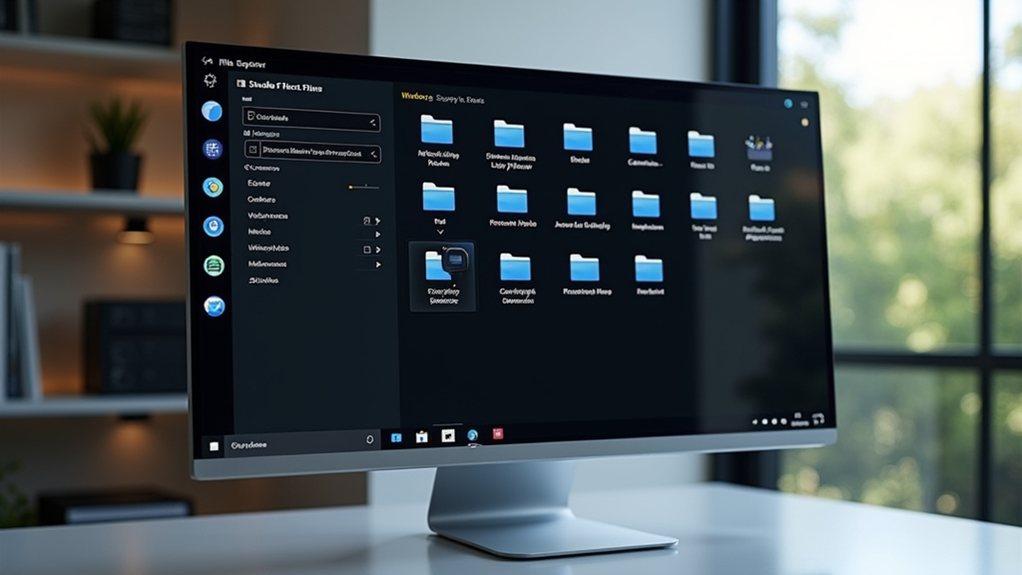
Microsoft's latest Windows update brings more subtle refinement than revolution, as Windows 11 version 25H2 enters the Release Preview Channel ahead of its expected public rollout in late 2025. The update, released as Build 26200.5074, represents a shift in Microsoft's approach to feature updates, focusing on streamlined installation and improved servicing rather than flashy new features.
The most striking aspect of this release is its delivery method - an activation package that transforms the update process into something more akin to a quick restart than the traditionally lengthy Windows installations of the past. Users currently running version 24H2 will find the change particularly seamless, thanks to shared servicing branch technology that reduces update package sizes by approximately 40%. Processor requirements maintain the standard 1 GHz or faster specification for optimal performance. The update is expected to reach general availability in fall 2025.
Enterprise and education sectors receive special attention in this release, with the update resetting the 36-month support lifecycle for these editions. IT administrators gain improved control over their environments, particularly in the ability to remove pre-installed Microsoft Store apps through Group Policy or MDM CSP - a feature that's been on many system administrators' wish lists for years.
However, the update isn't without its casualties. Power users might raise an eyebrow at the removal of PowerShell 2.0 and the Windows Management Instrumentation command-line (WMIC) tool. These departures signal Microsoft's continued push toward modernisation, though most everyday users won't notice these changes in their daily computing routines.
The update maintains feature parity with its predecessor, 24H2, suggesting Microsoft's focus has shifted toward stability and efficiency rather than introducing potentially disruptive changes. This approach mirrors the successful servicing model first introduced with Windows 10 versions 1903 to 1909, which prioritised smooth changes over dramatic overhauls.
For professional environments, the emphasis on stability and compatibility should make large-scale deployments less intimidating. The 24-month lifecycle reset for Pro, Pro Education, and Pro for Workstation editions provides a predictable support timeline for IT planning purposes. The continued alignment with Microsoft Endpoint Manager guarantees familiar territory for system administrators managing enterprise-wide updates.
The release represents a maturing of Windows 11's update strategy, prioritising efficiency and reliability over flashy features. Although some might find the lack of new user-facing features disappointing, the improvements to the update process itself - faster installation times, reduced downtime, and smaller update packages - suggest Microsoft is listening to what users truly value: a stable, efficient operating system that just works.
As we approach the public rollout in the second half of 2025, this update seems poised to deliver exactly that.
Final Thoughts
Microsoft's Windows 11 25H2 update marks a significant advancement in the operating system, particularly with its redesigned File Explorer and enhanced Studio Effects. These changes reflect Microsoft's dedication to modernizing the Windows experience while keeping it user-friendly. Home Computer Technician can assist you in navigating these updates and ensuring your system runs smoothly. Don't hesitate to reach out for expert support-click on our contact us page to get in touch today!